Share property data securely. See which buyers are engaging.
Give prospective buyers original PMRs and standardized data to evaluate the properties you’re marketing. Track their activity in Data Rooms to see where to follow up.

Manage buyer access and engagement through Data Rooms.
Create Data Rooms with the property reports you want to share. Keep control of access as discussions progress, with visibility into recipient activity to guide your follow-up.

Control access to deal reports.
Give prospective buyers access to selected reports and revoke access as discussions progress.
See which buyers are engaging.
Use recent visits and downloads to see who is reviewing the deal and prioritize follow-up.
Keep property reports organized across your deals.
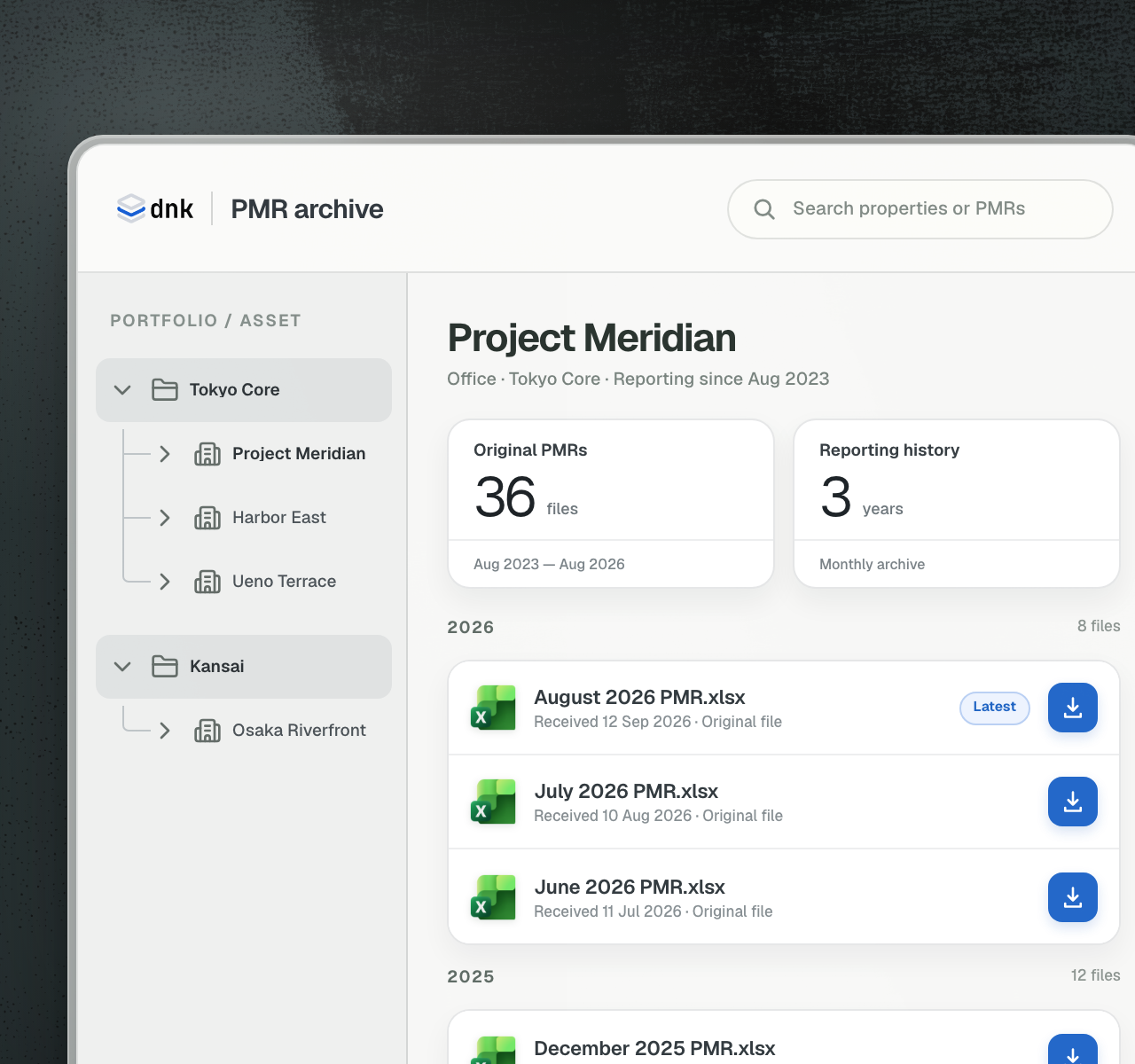
Bring the PMRs your team receives from sellers into PMR Manager. Keep each property’s reporting history accessible across your firm, ready to share as buyer discussions progress.
Organize reports by property and reporting period.
Keep a record of who uploaded each report.
Create Data Rooms using reports already in DNK.
Stand out with property data that’s ready for analysis.
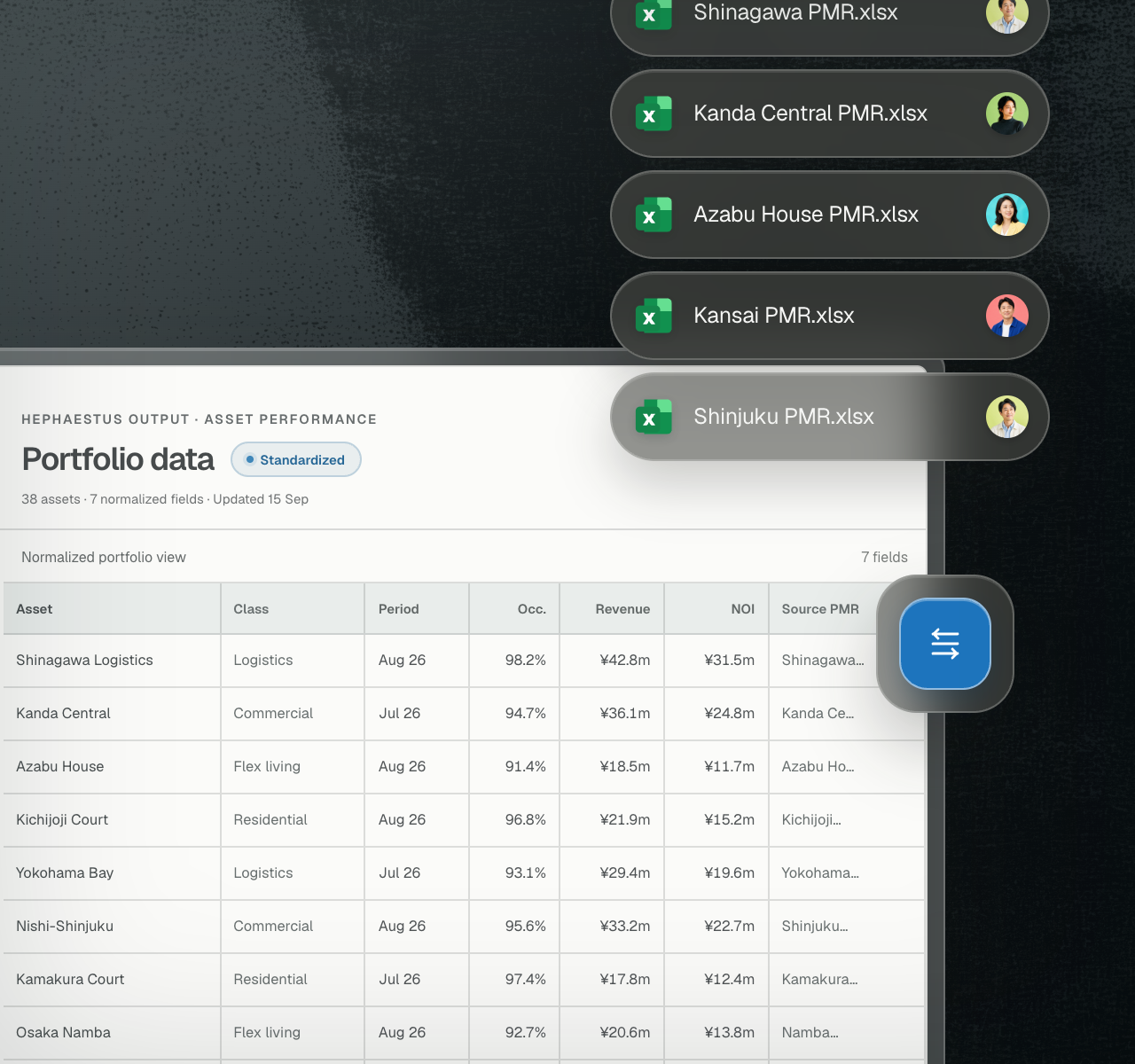
Give buyers more than the original PMRs. Include standardized property data they can use directly in their analysis, without first reconciling different report formats.
Compare operating data across properties and reporting periods.
Export standardized data for use in Excel and other tools.
Refer to the original PMRs when reviewing the figures.